
How to Sell Hardscape Jobs Online Before the Site Visit
A paver patio or retaining wall is a big purchase, and almost nobody signs one off a website alone. But the website decides a lot before you ever show up: who gets invited to quote, how serious the homeowner is, and whether they already trust you. That's what it means to sell hardscape jobs online.
This post covers the tools and pages that do the selling before the site visit: helping people picture the result, giving a ballpark, checking your area and making the next step easy. For the wider plan, see our hardscape marketing guide.
Why sell hardscape jobs online at all?
Because the homeowner has already made half the decision before they call. They have looked at photos, compared two or three companies and formed a rough budget. A website that answers those questions up front brings in fewer price shoppers and more people ready to talk about their project.
You save drives. Every estimate visit costs fuel and an hour or two. If your site filters out jobs outside your area or far below your minimum, the visits you do make are worth more.
You look like the safe choice. On a five-figure project, homeowners pick the company that seems most organized. A site that walks them through the process feels organized before you say a word.
How do you help homeowners picture the finished patio?
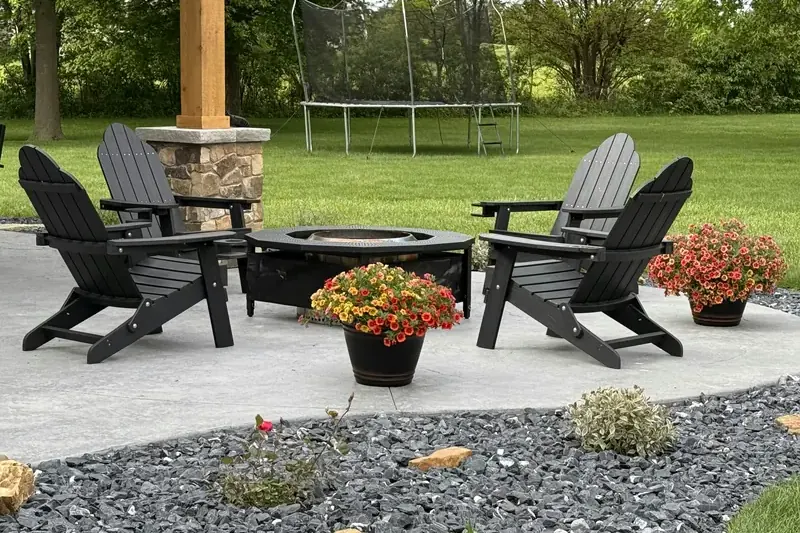
Show finished projects like theirs, sorted by type, with before and after photos. Then go a step further and let them play: a 3D project builder lets a homeowner try shapes, sizes and materials on your site, which keeps them there longer and gives you a clear idea of what they want.
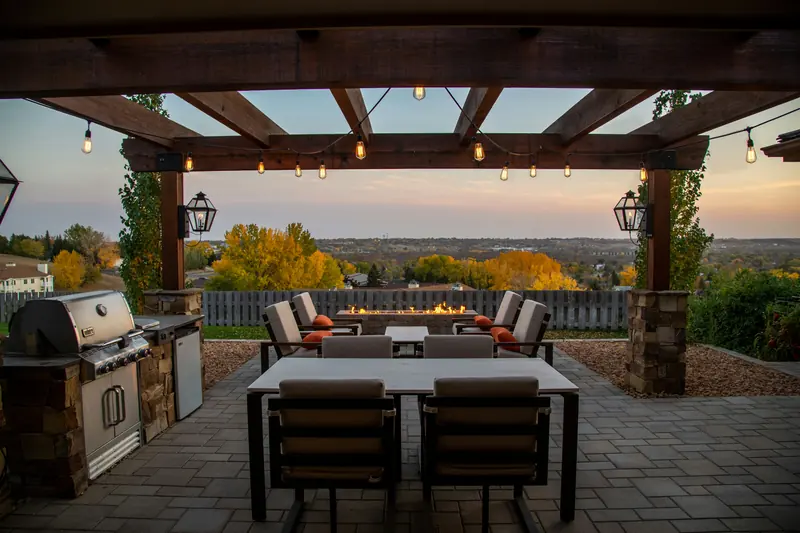
We offer a 3D Project Builder as an optional add-on to our hardscape sites. It doesn't replace your design visit, but it turns "I'm just looking" into "here's roughly what I want," and that makes the first conversation much faster.
Real photos come first, though. Our before and after photos guide covers how to shoot them so they line up.
Should you show a price range for hardscape jobs online?
A ballpark helps more than it hurts. Homeowners want to know if a patio is closer to a few thousand or tens of thousands before they book a visit. An estimator that gives a range based on size and material filters out people who are far off, without locking you into a final price.
We offer a Custom Project Estimator as an add-on for exactly this: the homeowner picks the project type, rough size and material, and sees a range you set. Make it clear that the final price comes after a site visit, because base prep, access, drainage and grading change every job.
If you'd rather not show numbers, say what drives the price instead. Our hardscape website design post covers both approaches.
How do you stop getting estimate requests outside your area?
Ask for the ZIP code first. A "Do we cover your area?" checker lets a homeowner type their ZIP before anything else; if you serve it, they go on to a short form, and if you don't, they find out right away instead of after you call back.
We build this as a ZIP checker that leads into a short name-and-phone form. It is a small change, but it means every request that reaches you is somewhere you will actually drive. List your real towns on the site too, so Google and homeowners both know where you work. Our post on hardscape service area pages covers that side.
What should the next step look like?
One clear step, the same on every page: request an estimate or book a design visit. Ask the questions you would ask on the phone, like project type, rough size, timeline, town and photos of the space, and keep it short enough to finish on a phone.
- Project type: patio, wall, driveway, walkway, outdoor kitchen
- Rough size or "not sure"
- When they want it built
- Town or ZIP
- Photos of the space (optional)
- Budget range (optional)
- Best way and time to reach them
Most of these requests will come from a phone. Google says it uses the mobile version of a site for indexing and ranking, so test your form on a phone, not just your computer.
What closes the sale after the visit?
Fast follow-up, a clear written quote, and proof. Homeowners compare quotes side by side, so the one that explains base prep, materials, timeline and warranty in plain words, and arrives first, often wins even when it isn't the cheapest.
Send your quote within a day or two of the visit, link to similar projects on your site, and point them to your reviews. A steady flow of recent reviews matters more on big jobs than anywhere else, which is why we cover hardscape Google reviews on their own.
If you want this done for you, see our websites for hardscapers.
Frequently asked questions
Will a 3D builder or estimator replace my site visit?
No. They help homeowners decide what they want and whether it fits their budget. You still measure, check base and drainage, and give the real price on site.
Do these tools cost extra?
Yes. With us, the 3D Project Builder, Custom Project Estimator and ZIP checker are optional extras priced on your free strategy call.
Quick summary
- The website decides who gets invited to quote and how ready they are.
- Help homeowners picture the result with real photos and, optionally, a 3D builder.
- A ballpark estimator filters out people far from your price range.
- A ZIP checker stops requests from outside your area.
- Fast, clear quotes and recent reviews close the job after the visit.