
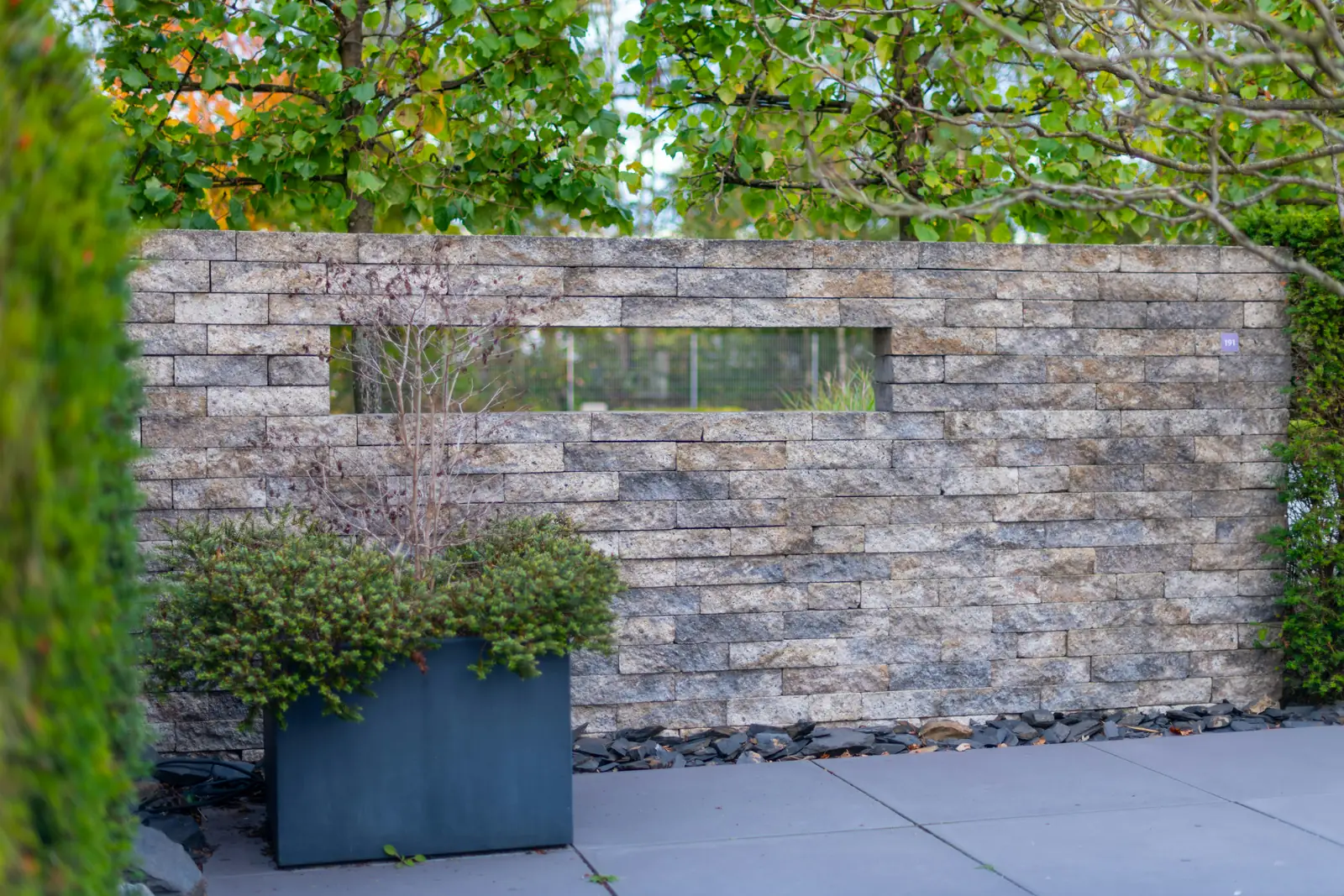
Hardscape Website Design: What Sells a Big Patio Job Online
A homeowner who's about to spend serious money on a patio or wall will study your website far longer than someone booking a lawn cut. Good hardscape website design uses that time to show your work, explain your process and make asking for an estimate feel easy and safe.
Your website is the hub of everything in our hardscape marketing guide. This post covers what the site itself needs to sell big projects.
What makes hardscape website design different?
It has to sell a large, one-time project to someone who is comparing a few companies and imagining their own backyard. That means more photos, more detail on each project type, clear steps from first visit to finished patio, and something that helps them picture the result.
A lawn care site needs to say "we show up every week". A hardscape site needs to say "we've built exactly what you're picturing, many times, and here's how it will go". Everything on the site should support that.
What should the first screen say?
What you build and where, in plain words, over a strong photo of a finished project. Add a button to request an estimate and a tap-to-call button. If your star rating is strong, put it here too. A visitor should know in three seconds whether you build what they want.
Clear
- "Paver Patios and Retaining Walls in Baton Rouge"
- A big photo of a finished project
- Request an Estimate and Call buttons
Unclear
- Only the company name and logo
- A slow video that hides the text on phones
- No button until you scroll
How should a hardscaper show past projects?
Sort your gallery by project type, like patios, walls, driveways and outdoor kitchens, and give the best jobs their own short write-up: the town, the materials, the size and what the customer wanted. Real details make the photos believable.
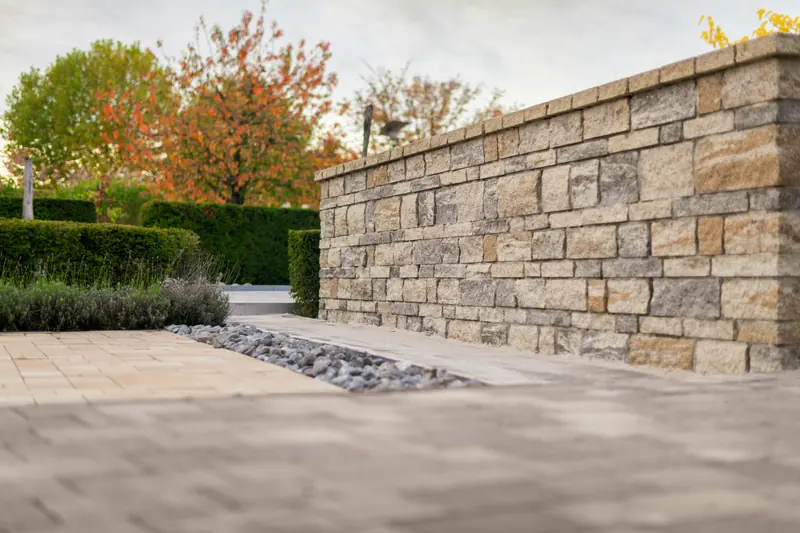
Describe each photo in its alt text, in plain words, like "tumbled paver patio with seat wall in Prairieville". Google says alt text is the most important attribute for understanding an image, and that filenames give light clues too, so rename photos before uploading them.
Which pages does a hardscape website need?
A home page, one page per project type you build, a project gallery, area pages for the towns you really serve, an about page with your process, a reviews section, an estimate request page, and the legal pages. Each project page should have its own photos and questions.
| Page | What to put on it |
|---|---|
| Paver patios | Styles, materials, base prep, typical sizes, photos |
| Retaining walls | Heights, drainage, materials, permits if needed in your area |
| Driveways and walkways | Materials, edging, how they hold up to traffic |
| Outdoor kitchens and fire pits | Layouts, gas or wood, what you build vs. what you subcontract |
| Repairs, cleaning and sealing | If you offer them, a separate page for upkeep work |
How do you help homeowners picture the result?
Give them something to play with. A 3D project builder lets them try shapes and materials, and a project estimator gives a ballpark range before anyone drives out. Both keep people on your site longer and bring in leads who already know roughly what they want.
We offer both as optional extras on our builds: a 3D Project Builder and a Custom Project Estimator. They aren't a replacement for your on-site visit, but they turn "I'm just looking" into a specific request with a size and a style attached.
If you use design software for clients, show a rendering next to the finished photo on a project page. Seeing the plan come true is strong proof.
More on the tools that sell before the visit in selling hardscape jobs online.
What should a hardscape estimate form ask?
Name, phone, address, project type, a rough size, when they want it built and a budget range. Let them upload photos of the yard. Those few questions tell you whether to drive out, and help you show up with the right ideas.
- ContactName, phone and email.
- AddressConfirms you cover the area.
- ProjectPatio, wall, driveway, kitchen or other.
- Size and timingRough size and when they want it.
- Budget rangeA few ranges to pick from.
- PhotosOptional pictures of the space.
A "Do We Cover Your Area?" ZIP checker, another of our extras, stops out-of-area requests before they reach your inbox.
What builds trust on a hardscape website?
Proof that the job will be done right and that you'll stand behind it. Show your warranty in plain words, your insurance, any manufacturer or industry certifications you actually hold, how you handle base prep and drainage, and reviews that mention similar projects.
- Your warranty, in plain words
- Proof of insurance
- Certifications you really hold
- Your base prep and drainage approach
- How long a typical job takes
- Financing, if you offer it
Only list certifications and financing you actually have. A homeowner who asks about one you don't really hold won't trust anything else on the page.
Does a hardscape website need to work on a phone?
Yes. Many homeowners browse ideas on their phone in the evening, and Google ranks sites by their mobile version. Big photos that load fast, a gallery you can swipe, and buttons you can tap without zooming are the basics.
Google ranks pages using the mobile version of a site’s content. Large photo galleries are where hardscape sites usually get slow, so photos should be resized and compressed before they go up.
What does a hardscape website cost?
With us, monthly plans include the website: $389.99 (Launch) or $778.99 (Scale) a month, covering hosting, security, new town pages, blogs and keyword research. A one-time build is quoted on a free strategy call.
Extras like the 3D Project Builder, Custom Project Estimator, ZIP checker, Spanish translation and custom hero designs are priced on the call. See what's included on our websites for hardscapers page, or read about our website design in general.
Frequently asked questions
How many photos should a hardscape website have?
As many good ones as you have, organized by project type. A few strong photos per project, from the same angles every time, work better than hundreds of random shots.
Should I use stock photos on my hardscape website?
Use your own work wherever you can. If you use stock images for decoration, never present them as your projects.
Can a website really help sell a big hardscape job?
It rarely closes the job by itself, but it decides who gets invited to quote. A site full of similar projects and good reviews gets you in the door with the buyer already leaning your way.
Do I own my website if Xposifi builds it?
Yes. The site is yours once the build is paid off, and it stays yours while you are on a monthly plan.
Quick summary
- Say what you build and where on the first screen, over a real project photo.
- Sort your gallery by project type and give the best jobs short write-ups.
- Build one page per project type, with its own photos and questions.
- Help people picture the result with a 3D builder or an estimator.
- Ask for project type, size, timing and budget in a short estimate form.