
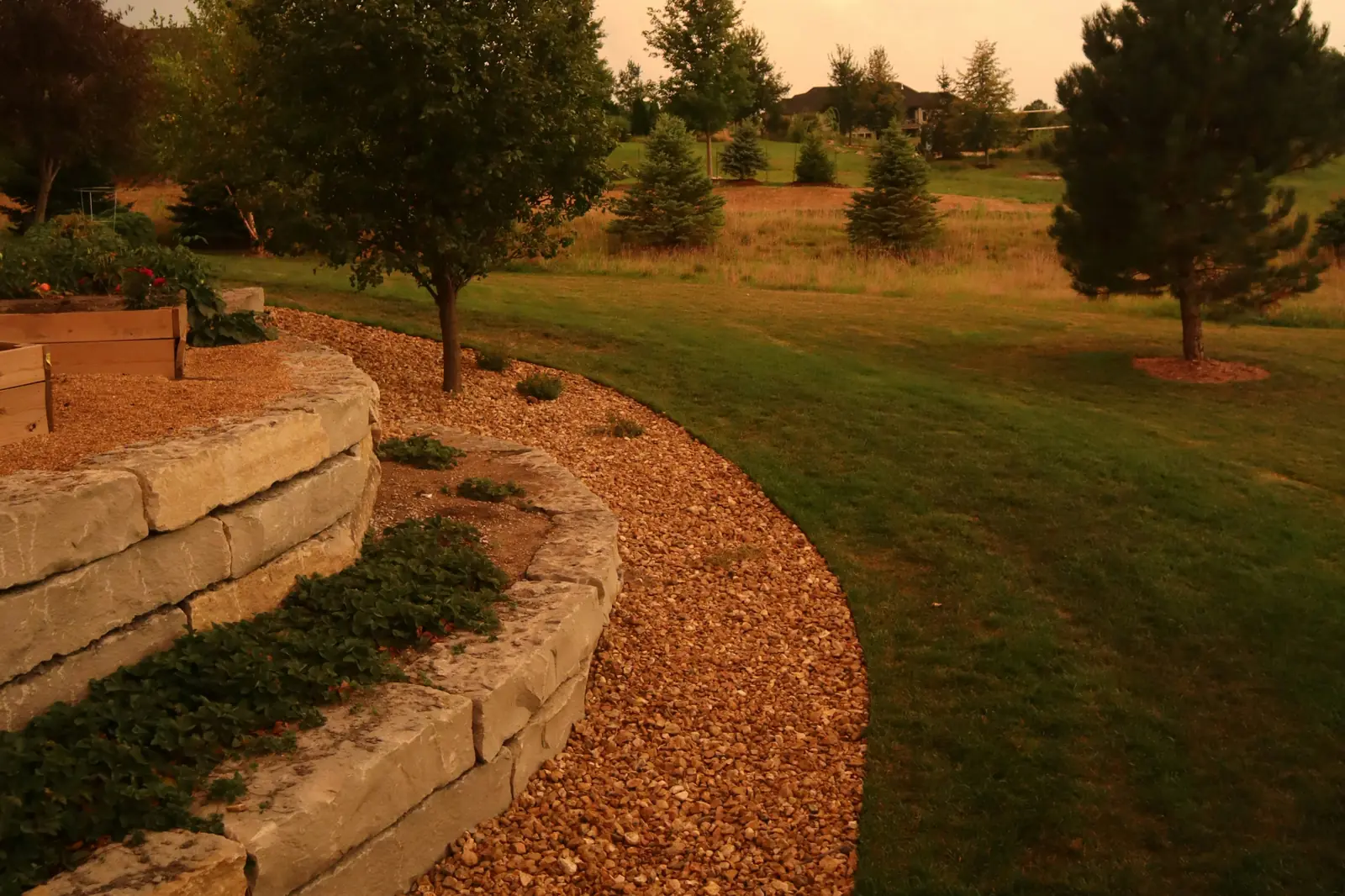
Landscaping Website Design: What It Needs to Book Jobs
A homeowner looking for a landscaper gives your site a few seconds on their phone. Good landscaping website design uses those seconds to answer three things: do you do the work I need, do you cover my area, and how do I get a quote?
Your website is one part of the system in our landscaping marketing guide. This post covers what the site itself needs, page by page.
What makes good landscaping website design?
A good landscaping website is clear, fast on a phone and full of real photos. It tells people what you do and where in the first screen, separates weekly maintenance from install projects, and puts a call button and a quote button within thumb reach on every page.
It doesn't need to be fancy. The sites we build for trades are simple on purpose: big photos, short sentences, obvious buttons. Fancy animations that slow a page down cost more calls than they win.
For real patterns from strong sites, see the best landscaping websites.
What should the first screen of a landscaping website say?
Your main service and your area in the headline, one line on what makes you different, a tap-to-call button and a quote button. Add a real photo of your work behind it. If someone sees nothing else, they should still know they found the right company.
- Service and town in the headline
- Tap-to-call button
- Request a quote button
- A real photo of your work
- Your star rating, if it's strong
- Nothing that covers the content on a phone
The headline wording matters for Google as much as for people. Our post on SEO for landscapers explains why the business name alone isn't enough.
What pages does a landscaping website need?
A home page, a page for each main service, a gallery of your work, an area page for each place you really work, an about page, a reviews section and a contact or quote page. Add the legal pages too: privacy policy and terms.
| Page | What it does |
|---|---|
| Home | Says what you do and where, shows proof, sends people to a service or a quote |
| Service pages | One per main service, so each can rank and answer its own questions |
| Gallery | Your best work, sorted by type of job |
| Area pages | Real pages for the towns you cover, with local photos |
| About | Who you are, how long you've done this, your crew |
| Quote or contact | A short form, your number and your hours |
| Privacy and terms | Required once you collect names and numbers |
How should you show maintenance plans and one-time projects?
Give them separate paths. A weekly mowing customer wants to know your schedule, what's included and roughly what it costs. An install customer wants photos, your process and a consultation. Mixing them on one page confuses both.
Maintenance
- What a visit includes
- How often you come
- "Starting at" pricing if you're comfortable
- A quick sign-up or quote form
Projects and installs
- Before-and-after photos
- Your design and install process
- Rough timelines
- A consultation request
On the home page, two clear buttons work well: one for lawn care and maintenance, one for design and installs. Each leads to its own page and its own form.
What should a landscaping quote form ask?
Keep it short: name, phone, address, which service, and how often for maintenance or a rough timeline for projects. Let people add a photo of the yard if they want. Every extra required field loses some people, especially on a phone.
- ContactName, phone and email.
- AddressSo you can check your route and the yard.
- ServicePick from a short list.
- DetailsHow often, or when they want it done.
- PhotoOptional: a picture of the yard.
Make sure every form sends to a phone you check, and answer the same day. A form nobody watches is worse than no form, because the customer thinks you ignored them.
If the bigger problem is too few requests coming in at all, start with our post on how to get more landscaping customers.
Selling weekly mowing? See the lawn care website must-haves that turn visits into sign-ups.
How do photos help sell landscaping?
Photos are the proof. Before-and-after shots of real yards do more selling than any paragraph. Show the type of job, the town, and the season, and keep adding new ones so the site never looks abandoned.
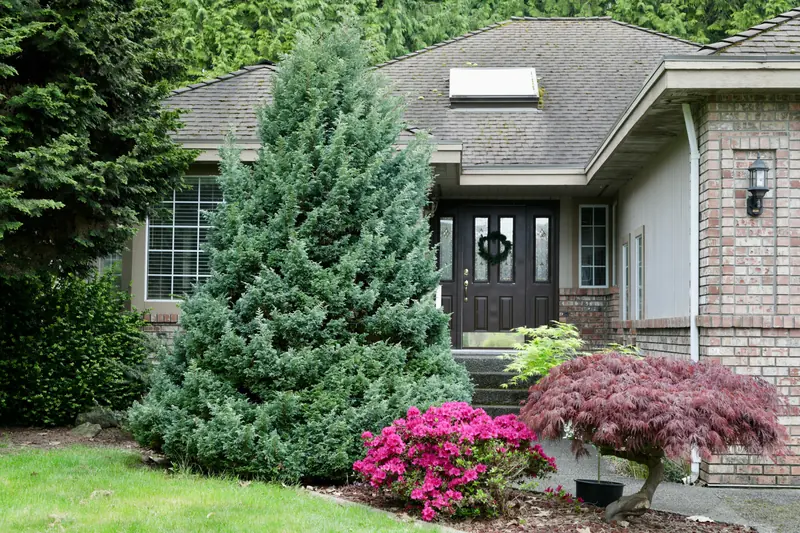
Describe each photo in plain words in its alt text, like "new sod and mulch beds at a home in Sulphur". Google says alt text is the most important attribute for understanding an image, and recommends placing images near related text.
Skip stock photos where you can, or use them only for decoration and never as "our work". Customers can tell, and it chips away at the trust your real photos build.
Should you put prices on a landscaping website?
For maintenance, a "starting at" price helps people decide and screens out bargain hunters. For installs, a range or "most projects run between" works better than a fixed number, since every yard is different. If you leave prices off, say how quoting works.
Some companies worry competitors will undercut them. That happens either way. What a price range really does is save you drives to people who were never going to afford the job.
Setting the numbers is its own job; here's how to raise lawn care prices without losing customers.
What does a landscaping website cost?
It depends on how many pages you need and what you want it to do. With us, monthly plans include the website: $389.99 (Launch) or $778.99 (Scale) a month, covering hosting, security, new town pages, blogs and keyword research. A one-time build is quoted on a free strategy call.
Optional extras landscapers often ask about include a "Do We Cover Your Area?" ZIP checker, so people outside your routes find out before they fill in a form, and Spanish translation. See what's included on our websites for landscapers page or our main website design page.
For the full breakdown, see landscaping website cost.
What should you leave off your landscaping website?
Pop-ups that cover the page on a phone, music or video that plays on its own, long walls of text, and photos that aren't yours passed off as your work. Also skip a list of every town in the state; it doesn't help and it looks like spam.
Every element on the page should help someone decide to call. If it doesn't, cut it.
Frequently asked questions
How many pages should a landscaping website have?
Enough for one page per main service plus home, gallery, about and contact. For most landscapers that's somewhere between six and fifteen pages to start.
Can I use a website builder like Wix?
You can, and some owners do fine. The hard part isn't the builder, it's the wording, the photos and the setup for Google. If you don't have time for those, a builder alone won't get you calls.
How often should I update my landscaping website?
Add new project photos every few weeks during the season, and update seasonal services before each season starts.
Do I own my website if Xposifi builds it?
Yes. Once the build is paid in full, or while you are on a monthly plan, the website is yours. If you cancel a monthly plan you keep the site and host it yourself.
Quick summary
- Say your service and town in the headline, with call and quote buttons on every page.
- Give each main service, and each town you really cover, its own page.
- Keep maintenance and install projects on separate paths with separate forms.
- Use real before-and-after photos with plain-word descriptions.
- Keep forms short and answer every request the same day.