
Contractor Website Checklist: What Gets Calls
A homeowner with a leaking pipe or a dead AC unit gives your website a few seconds. If they can't tell what you do, where you work and how to call, they hit back and try the next company. This contractor website checklist covers what needs to be there so they call you instead.
Use it to score your current site, or to know what to ask for before you pay for a new one. It's part of our guide to contractor marketing, which covers how the website fits with Google Maps, reviews and leads.
The contractor website checklist at a glance
Every contractor website needs a tap-to-call number, your service area, a page for each main service, real project photos, real reviews, proof of license and insurance, a fast layout built for phones, and one clear next step on every page.
- Phone number at the top, tap to call
- What you do and where, on the first screen
- A separate page for each main service
- Towns and areas you serve, named plainly
- Real project photos, before and after
- Real reviews from real customers
- License and insurance shown, if you carry them
- Loads fast and reads well on a phone
- A short quote form or booking option
- Same name, phone and area as your Google profile
- Privacy policy, and accessible for all visitors
- A clear next step at the end of every page
10 to 12: your site is doing its job. 6 to 9: you're losing some calls. Under 6: the site is probably costing you more than it brings in.
Does a contractor need a website if they have Facebook?
If you want work from people who don't already know you, yes. Facebook reaches your followers and their friends. A website is what shows up when a stranger searches your trade in your town, and it's the one place you control.
Keep posting jobs on Facebook. It builds trust with people who already know you. Just don't make it the only place a new customer can check you out.
What should be on the first screen?
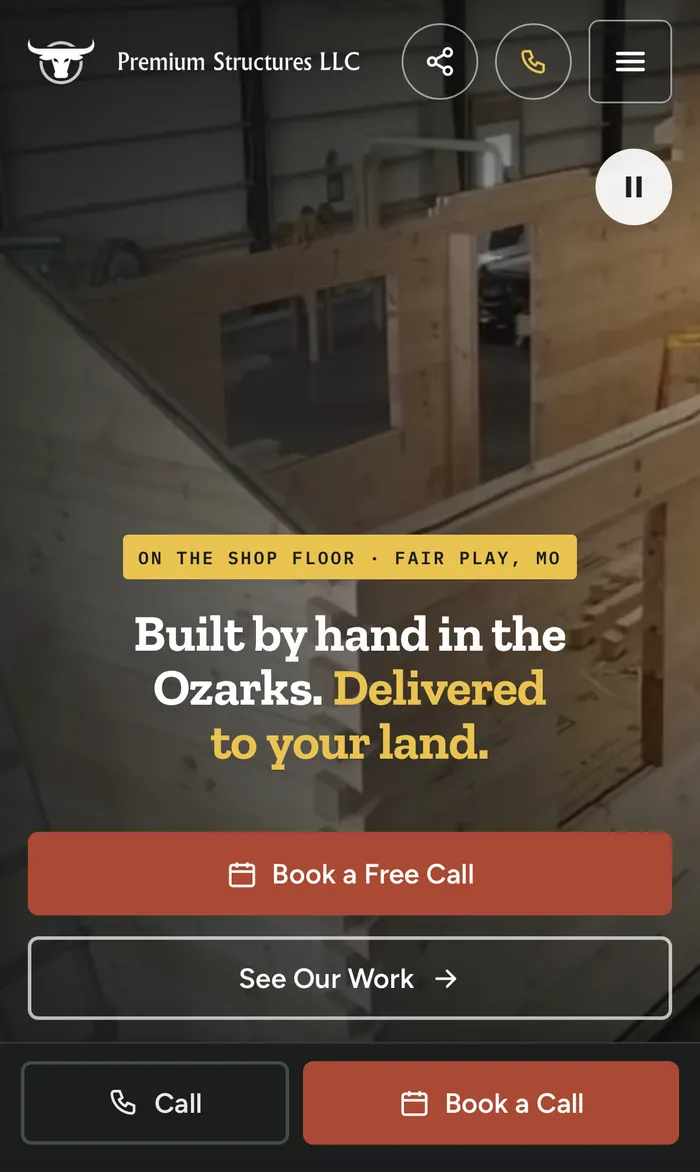
The first screen, before anyone scrolls, should answer three questions: what do you do, where do you do it, and how do I reach you? A clear headline, your service area and a tap-to-call button cover all three.
Hard to act on
- "Quality You Can Trust"
- A stock photo of a smiling family
- Phone number in the footer
Easy to act on
- "Roof Repair & Replacement in [Your Town]"
- A photo of your crew on a real roof
- Tap-to-call button at the top
Why does the phone number matter so much?
Because a lot of trade work is urgent. Someone with water on the floor isn't going to fill out a long form. Your number should sit at the top of every page and dial with one tap on a phone.
Test it yourself. Open your site on your own phone and see how long it takes to start a call. If it's more than one tap, fix that first.
For less urgent jobs, a short quote form or a booking calendar catches people who'd rather not call. Our lead generation setup covers both.
What pages should a contractor website have?
At a minimum: a home page, a page for each main service, an about page, a page showing your work, and a contact or booking page. Separate service pages matter because each one can show up for its own search.
One page that lists "drain cleaning, water heaters, repiping, sewer lines" in a single paragraph can't rank for all of them. Four pages can.
| Page | What it does |
|---|---|
| Home | Says what you do, where, and how to reach you |
| One page per main service | Shows up for that service's search and answers its questions |
| Service area | Names the towns you serve; add town pages only if each says something real |
| Our work / gallery | Proves you do the job, with real photos |
| Reviews | Shows what real customers say |
| About | Who you are, how long you've done it, license and insurance |
| Contact / book | Phone, short form or calendar |
Do contractors need service area pages?
They help when you want work from several towns, as long as each page says something real about that town: the jobs you do there, local conditions, photos from nearby jobs. Copying one page and swapping the town name doesn't help.
Start with your main town and the two or three busiest towns around it. Add more only when you can make each page genuinely useful. A short "areas we serve" list on your home page covers the rest.
Keep the towns on your website and your Google profile consistent, so customers and Google see the same picture.
Why do project photos sell jobs?
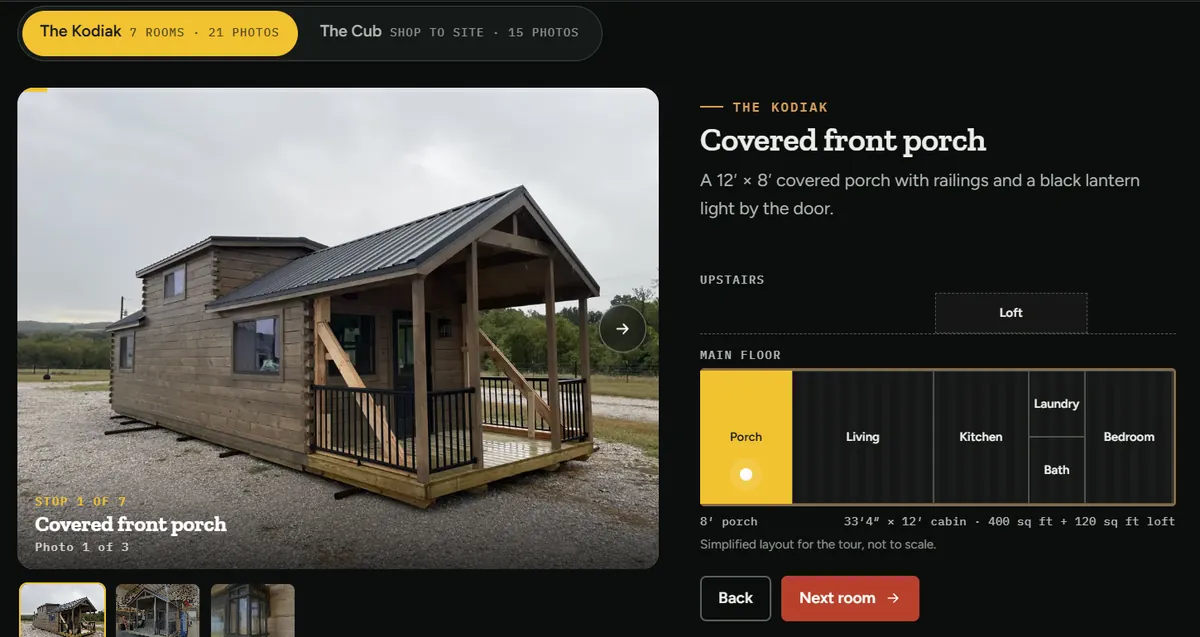
Photos prove you do the work you say you do. Homeowners want to see jobs like theirs, done by your crew. Stock photos do the opposite: people spot them and wonder what you're hiding.
Phone photos are fine. Before-and-after shots of the same spot are some of the most convincing pictures you can post. Add them to your Google Business Profile as well.
Give every photo a short description (its "alt text"). Google says alt text should explain how the image relates to your content (Google SEO starter guide), and it helps visitors who use screen readers.
How do you show license, insurance and guarantees?
If you're licensed and insured, say so plainly near the top and on your about page, with your license number if your state issues one. Add any warranty or guarantee you actually offer, in plain words.
Homeowners are letting you into their home or onto their roof. Proof of license and insurance answers a worry they may not say out loud. Only list what's true and current.
What should your about page say?
Who runs the business, how long you've been doing the work, what you specialize in, and why customers can trust you. A photo of you and your crew does more than any paragraph. Keep it short and real.
Homeowners want to know who's showing up at their door. Your name, a face, the trades you cover and the towns you serve answer that. If you have a story, like starting with one truck, tell it in two or three sentences.
How should reviews show on your website?
Show real reviews from real customers, with the customer's name or business as they agreed to share it. Link to where people can read more. Never write reviews yourself or change what customers said.
Fake reviews aren't just a bad look. The FTC banned fake reviews and testimonials in 2024 and can seek penalties.
To keep fresh reviews coming in, see how to get more Google reviews.
What makes a website work on a phone?
Big, easy-to-tap buttons, short paragraphs, text you can read without zooming, and pages that load fast. Many homeowners look for a contractor on a phone, so design for the small screen first.
- 2.5 smain content loaded
- 200 msresponse to a tap
- 0.1layout shift (nothing jumping around)
Source: web.dev Core Web Vitals
It also matters for ranking. Google uses the mobile version of a site for indexing and ranking.
What does Google need to see on your site?
Google needs to understand what you do and where. Use clear page titles like "Water Heater Repair in [Town]", one main topic per page, the same business name, phone and area as your Google profile, and links between related pages.
Google says a good page title is unique to the page, clear and concise, and describes what's on it.
This is the core of on-page SEO, and it's set up from day one on every site we build. See our website design for local service businesses. Your Google Business Profile should match your website; setup is in our Google Business Profile guide.
From Collin
When I look at a new client's old site, the same things are usually missing: legal pages, a real sitemap, more than one page that can rank, anything set up for AI answers like ChatGPT, and links that work the right way, so people can tap to call, email, or open your Instagram and Facebook.
Do contractor websites need to be accessible?
It's the right thing to do and it lowers risk. The U.S. Department of Justice says the ADA applies to what businesses open to the public offer on the web, and points to WCAG as an existing standard.
You can read that on ADA.gov’s web guidance. In practice: readable text contrast, descriptions on images, buttons that work with a keyboard, and forms with clear labels. Add a privacy policy too, since your forms collect names and phone numbers.
What happens after someone fills out your form?
A form only helps if someone answers it fast. Make sure every request lands somewhere you check all day, like your phone, and call or text back as soon as you can. A fast reply often wins the job.
Test your own form once a month. Fill it out and make sure the request reaches you. A broken form is worse than no form, because the customer thinks they reached you.
How do you keep a contractor website up to date?
Add new project photos every month, update your services when they change, keep hours and service areas current, and refresh reviews. A site that hasn't changed in years makes people wonder if you're still in business.
- Add 3 to 5 new job photos
- Fill out your own form to test it
- Check your phone number and hours
- Add new reviews to the site
- Remove services you no longer offer
- Update the copyright year in the footer
Frequently asked questions
How many pages should a contractor website have?
Enough for one page per main service plus home, about, your work, reviews and contact. For many trades that's about eight to fifteen pages.
Do contractors need a blog?
Not on day one. Get the service pages right first. A blog helps later by answering the questions customers ask before they hire.
What's the most important item on the checklist?
A tap-to-call phone number at the top of every page. If people can't reach you in one tap, the rest of the site can't do its job.
Should prices be on my website?
If your jobs vary a lot, a starting price or a cost estimator can help. If you'd rather quote in person, say how quotes work so people know what to expect.
Do I need service area pages for every town?
No. Build pages only for the towns you most want work from, and make each one genuinely different. List the rest on a single service area page.
Quick summary
- Your contractor website checklist starts with a tap-to-call number and what you do and where, on the first screen.
- Give each main service its own page, and show real photos and real reviews.
- Show license and insurance if you carry them.
- Design for phones first and keep it fast; Google ranks the mobile version.
- Answer every form fast, and end every page with one clear next step.